

About This File
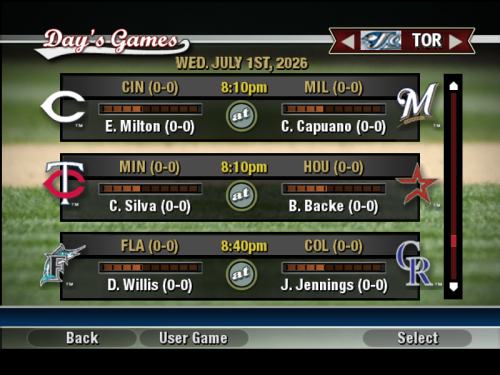
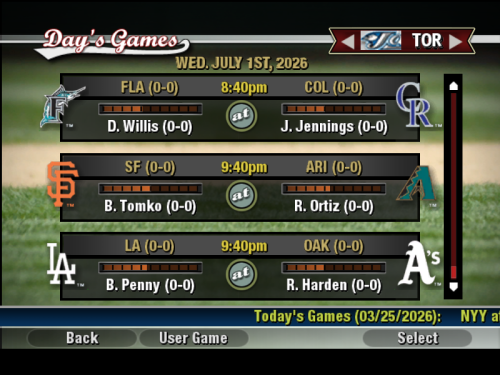
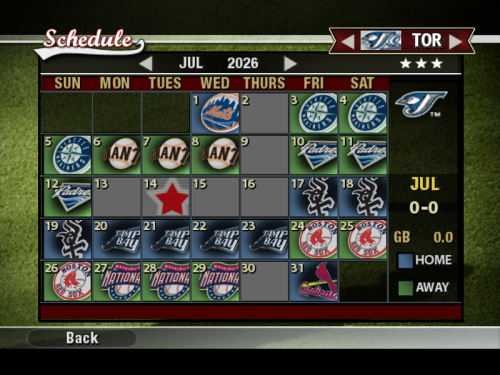
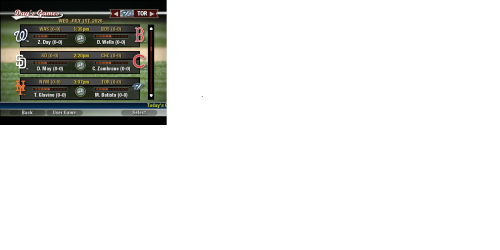
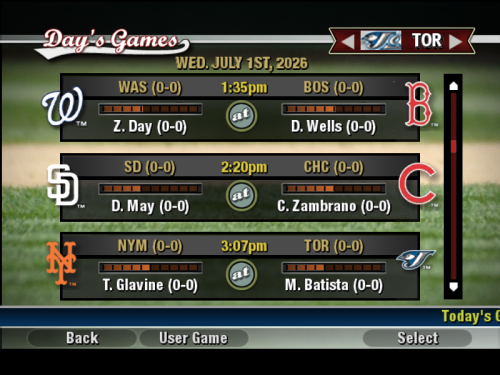
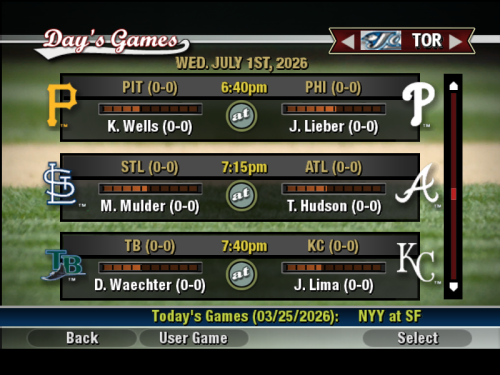
This file updates your MLB Schedule to the 2026 schedule. (It does not effect Minor League Schedules.)
Installation Instructions
1. Backup your original schedule.big file in Program Files/MVP Baseball 2005/data/database folder.
2. Copy the schedule.big file you just downloaded to your Program Files/MVP Baseball 2005/data/database folder.
3. Confirm replace.
4. The 2026 MLB Schedule should be loaded into MVP.
---------------------------------------------------------------------------------------------------------------
Additional Instructions
To change the year to 2026, rather than the default 2005, use tywiggins' Schedule Updater/Year Changer!
1. When you get to the team select screen, ALT-TAB out of MVP.
2. Load Schedule Updater.
3. Select option 1 and change the year to 2026 and choose if you want players' ages to change.
4. Select option 3, and choose "7" to set the schedule to start on March 25.
5. ALT-TAB back into MVP and continue as usual.
-------------------------------------------------------------------------------------------------------------------
If there are instances of game times still being "TBA," I just estimated, hope that's OK.
Take care,
Dylan
Recommended Comments
Crear una cuenta o conéctate para comentar
Necesitas ser usuario para poder dejar un comentario
Crear una cuenta
Registrarse para una nueva cuenta en nuestra comunidad. ¡Es fácil!
Registrar una nueva cuentaConectarse
¿Ya tienes una cuenta? Conéctate aquí.
Conéctate ahora